Quick answer
Freeze the production before launch day: preload on November 12, rehearse the exact scene collection, stop structural changes one hour before live, and capture clean source material for post-stream content.
What you need
- Final stream account
- Tested scene collection
- Fallback scene
- Free storage for recordings / clips
Verification: Rockstar launch/preload information plus OBS setup guidance.
Jump to a section
Confirmed GTA VI dates that affect this checklist
Rockstar currently lists GTA VI for November 19, 2026 on PlayStation 5 and Xbox Series X|S. Digital preloading is scheduled to begin at local midnight on November 12, 2026.
Swipe the table to compare columns.
| Date | Creator action |
|---|---|
| November 12 | Preload the game and confirm storage / account access |
| November 18 | Run the final production rehearsal |
| November 19 | Launch with the frozen, tested setup |
Useful visual overview of the launch-day streaming choices. The checklist on this page remains the operational reference.
Open on YouTubeSources for this section
T-7 days: remove every avoidable surprise
- 01
Update hardware
Console, capture device firmware, OBS and graphics drivers should be settled before launch day.
- 02
Freeze the scene structure
Lock gameplay, Starting Soon, BRB and fallback scenes.
- 03
Test account access
Confirm Twitch / YouTube login and 2FA from the actual streaming machine or console.
T-24 hours: run the full rehearsal
Treat it like a rehearsal
Test the exact production you plan to use. A test with a different scene collection proves very little.
- Private end-to-end stream test
- Micro, game and alert levels checked
- Thumbnail exported
- Stream title / description drafted
- Vertical launch post ready
- Fallback scene tested
T-60 minutes: change nothing structural
- Restart only if it is part of your normal routine
- Confirm free storage space
- Open the correct scene collection
- Check capture and microphone once
- Close unnecessary background apps
- Do not install a new plugin or overlay
If something breaks now+
- Switch to the minimal fallback
- Keep gameplay and microphone working
- Fix decorative layers after the stream starts only if necessary
After the live: turn the stream into reusable content
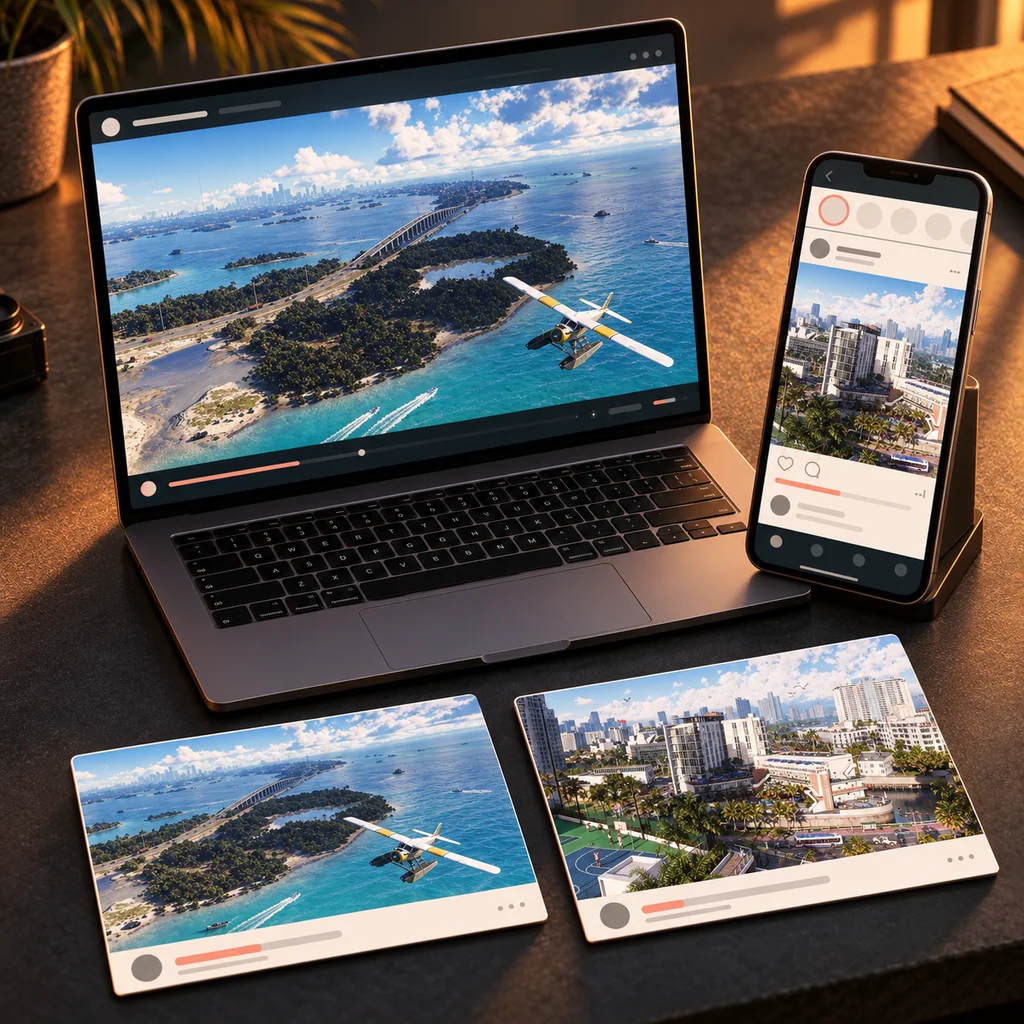
- Mark the strongest moments
- Save clean gameplay frames
- Export 2–3 vertical candidates
- Record technical issues while they are fresh
Copy the launch checklist
Sources for this section