Quick answer
Record a resilient master while you stream, mark strong moments, then adapt only the best ones. MKV reduces the risk of losing the whole recording after an ungraceful stop, and separate audio tracks make later editing cleaner.
What you need
- OBS recording path with enough storage
- Moment-marking workflow
- Long-form and 9:16 templates
Verification: OBS recording and multiple-audio-track documentation plus current YouTube live layout guidance.
Jump to a section
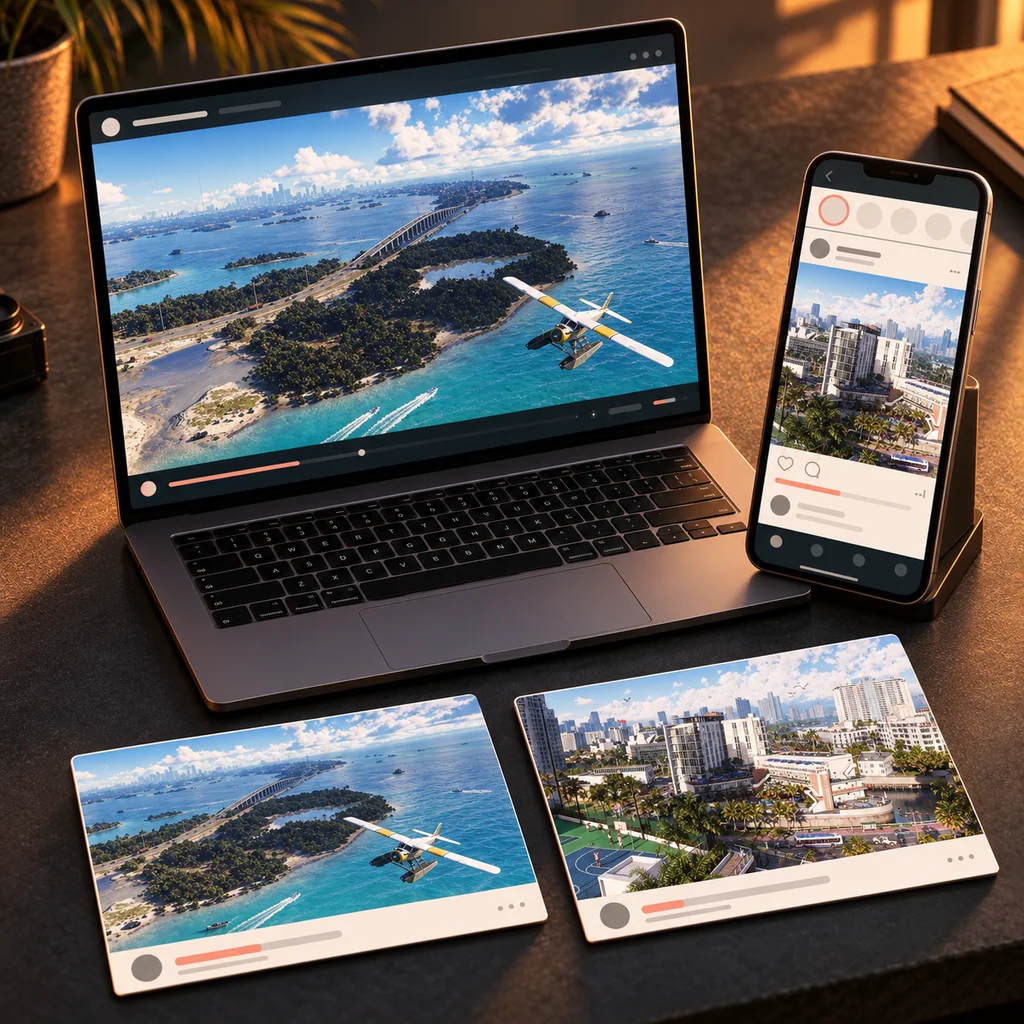
Record a resilient master while you stream
OBS recommends MKV for recording because an unexpected or ungraceful stop does not corrupt the entire file. If you edit after the stream, separate recording tracks can also isolate microphone, game and other sources for cleaner post-production.
- Keep a mixed track for simple playback
- Add separate tracks only when your editor workflow will use them
- Confirm the recording path has enough free storage
- Test the exact stream + record combination before launch
Sources for this section
Capture one clean master
Prioritize a stable stream or local recording with clean game and microphone audio. A reusable master gives you more options than publishing directly into every format.
Mark moments while they are still easy to find
Do less
Ten marked moments do not need to become ten posts. Select the two or three with the clearest payoff.
- 01
Use markers or timestamps
Flag discoveries, reactions, missions, funny failures and strong visual moments.
- 02
Write five words of context
A short note is enough to remember why the moment matters.
- 03
Rank after the stream
Keep only moments that still make sense when watched out of context.
Adapt the same moment to each format

Swipe the table to compare columns.
| Format | Best use | Edit priority |
|---|---|---|
| YouTube long-form | Story, guide, discovery | Context + pacing |
| Shorts / Reels / TikTok | Single moment or reaction | Hook + crop + captions |
| Thumbnail | One promise | Readable subject + contrast |
| Community post | Update or prompt | Clarity + timing |
Build reusable templates before launch
- One thumbnail system with 2–3 compositions
- One 9:16 caption-safe layout
- One stream highlight opener
- One social announcement layout
- One consistent file naming system