Quick answer
Use onboarding to keep the default channel list small, separate spoilers before launch, and configure AutoMod so spam / keyword incidents go to a private moderator alert channel.
What you need
- Discord Community server
- Manage Server / Manage Roles permissions
- Private moderator alert channel
Verification: Current Discord Community Onboarding and AutoMod documentation.
Jump to a section
 YOUR CHANNEL
Design the server around launch traffic, not decoration
The goal is to make it obvious where people should talk, ask for help and post spoilers. Visual assets should reinforce that structure.
Sources for this section
Create spoiler boundaries before launch
- 01
Separate spoiler channels
Do not rely only on users remembering spoiler formatting.
- 02
State the rule once
Put the spoiler policy where members see it during onboarding.
- 03
Give moderators a simple escalation path
Delete, warn, then restrict if repeated. Keep the rule operational.
Sources for this section
Use visuals only where they improve orientation
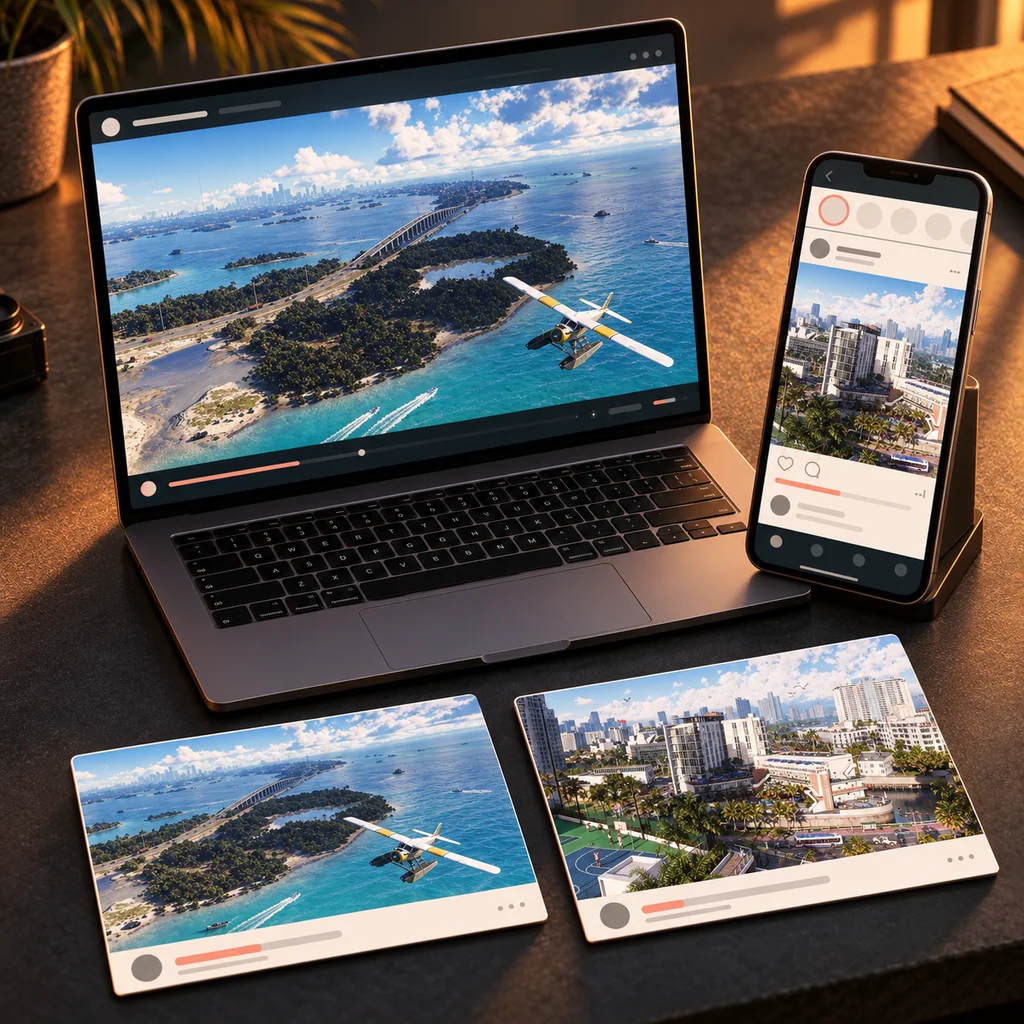
- Start-here header
- Launch timetable graphic
- Announcement card
- Platform role icons if useful
- Reusable clip / highlight cover
Connect the community to the content loop
A good Discord launch setup is also a source of questions, clips and community moments that can inform later guides and videos.
A copyable launch-channel structure
Keep the default list short. Community Onboarding can then let members opt into extra channels and roles instead of exposing every category on day one.
Sources for this section
Use AutoMod as an alerting layer, not a substitute for moderation
- Keyword rules for known spoiler / abuse terms where appropriate
- Spam-content filter
- Mention-spam limit
- Private alert channel for moderators
- Explicit channel / role exemptions only when necessary
Sources for this section