Quick answer
Native Xbox streaming is the simple route. A capture card + OBS becomes useful when the stream needs reusable scenes, external alerts, local recording or deeper audio control.
What you need
- Xbox Series X|S
- Twitch account for the documented native route
- Stable network
- Capture card + computer for OBS
Verification: Rockstar, Xbox Wire and OBS documentation. Xbox menu wording should be rechecked on-console before a critical stream.
Jump to a section

Native Xbox or capture card?
Use native console streaming when speed and simplicity matter most. Use a capture card when you need a predictable branded layout, multiple scenes, alerts or external production tools.
Swipe the table to compare columns.
| Need | Native Xbox | Capture card + OBS |
|---|---|---|
| Simple Twitch live | Good fit | Works |
| Multiple branded scenes | Limited | Best fit |
| External alerts | Limited | Yes |
| Reusable production | Basic | Full control |
Prepare the native route first
Documentation age
Microsoft's public Xbox Wire instructions for native Twitch streaming date from 2022. Treat the workflow as a reference and verify the current labels on your console before launch day.
- 01
Check the live destination
Confirm which streaming options are actually available on the console before launch day.
- 02
Set title, audio and quality
Use the console's current broadcast controls and verify party / microphone inclusion.
- 03
Test from the viewer side
Open the destination on another device and check audio balance and framing.
Sources for this section
For OBS, keep the chain predictable
- Capture gameplay before adding overlays
- Check audio sync with a short local recording
- Keep one gameplay-only fallback scene
- Use wired networking where practical
A recent Xbox Series X|S capture-card walkthrough with OBS. Use it as a visual companion to the source-verified steps above.
Open on YouTubeAssets that earn their place
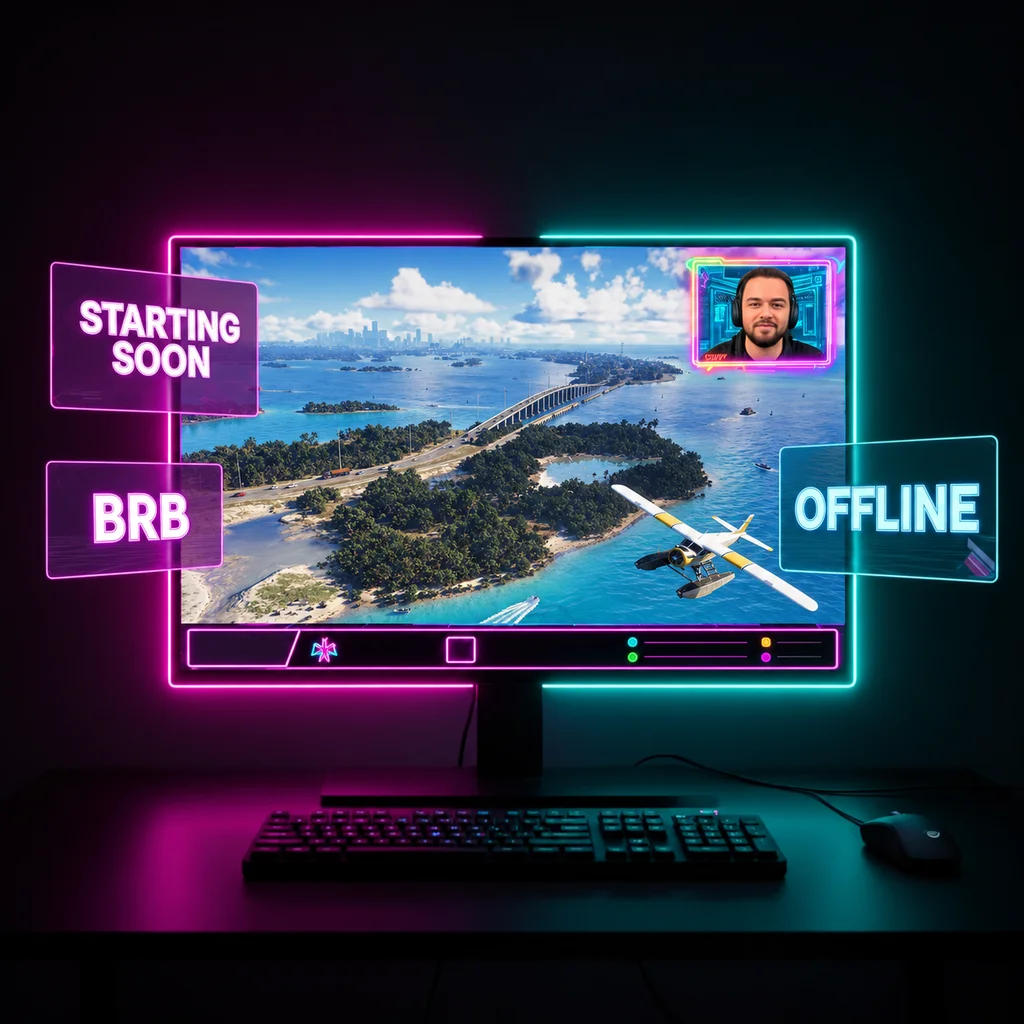
- Gameplay-safe frame
- Starting Soon
- BRB / Intermission
- Fallback technical-difficulty scene
- One launch thumbnail
- One vertical launch announcement